
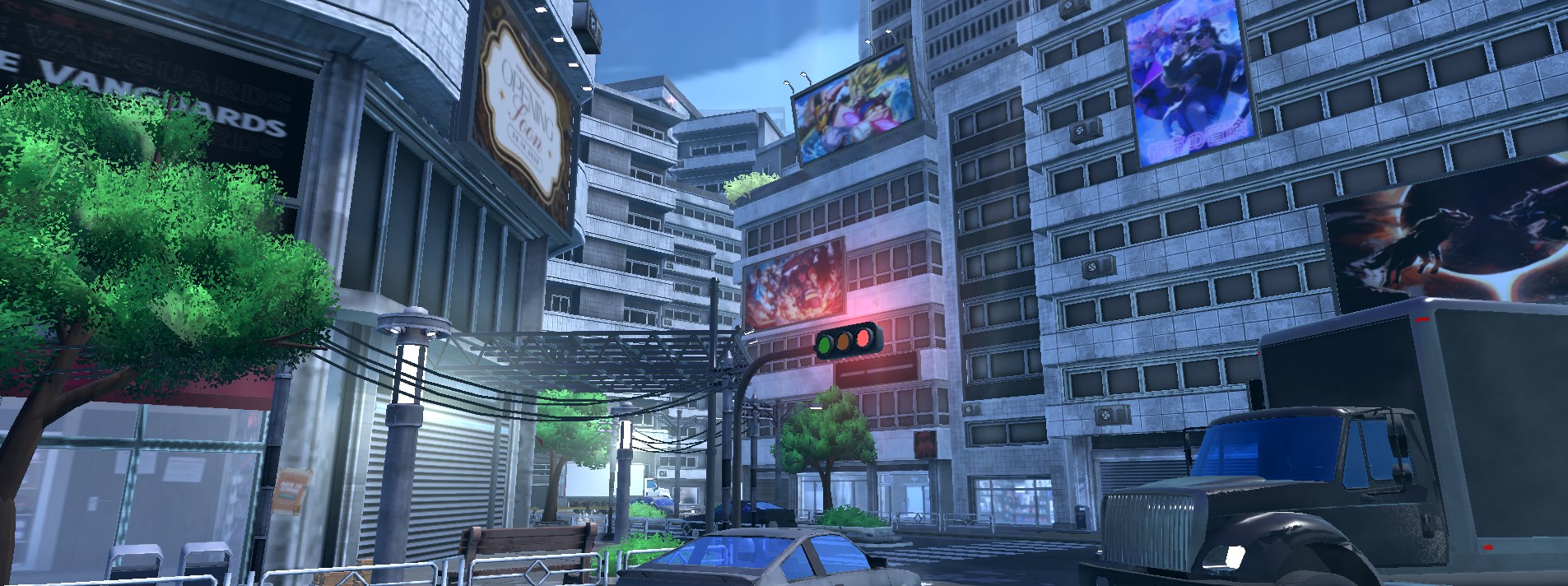
Lighting Makes the Biggest Visual Difference
Switching from Roblox's default lighting to Future lighting technology instantly upgrades your game's visual quality. Add a BloomEffect for light glow, ColorCorrectionEffect for mood, and SunRaysEffect for atmosphere. Use colored point lights to accent important areas — warm tones for safe zones, cool tones for danger. A game with basic geometry but great lighting looks better than a detailed game with flat default lighting.
Professional Animations Sell the Fantasy
Default Roblox character animations make every game feel the same. Custom animations for movement, combat, and interactions immediately set your game apart. Players should feel like their character belongs in your world, not in a generic Roblox experience. Even replacing just the idle, walk, and run animations creates a dramatically different feel. For combat games, professional attack animations with proper weight and impact are non-negotiable.
Visual Effects Communicate Feedback
VFX are not just eye candy — they communicate critical gameplay information. Hit effects tell players their attack connected. Healing effects confirm abilities worked. Environmental particles make spaces feel alive. Without VFX, even mechanically solid games feel unresponsive and lifeless. You do not need to go full brainrot — even subtle, tasteful effects dramatically improve game feel.
Custom UI Builds Trust
A clean, custom UI signals to players that the developer cares about quality. Replace default Roblox UI with custom health bars, menus, and HUD elements that match your game's art style. Consistent fonts, colors, and spacing across all UI elements create a cohesive look. Players subconsciously associate good UI with a well-made game.
NPCs Make the World Feel Alive
Empty game worlds feel lonely and boring. Even a few well-placed NPCs — enemies patrolling an area, a shopkeeper in town, ambient wildlife in a forest — transform a static map into a living world. Quality NPC assets with proper AI and animations make this achievable without weeks of custom development.
The 80/20 Rule of Game Polish
You do not need to custom-build every asset. The most successful indie Roblox developers use pre-made assets for the 80% of content that needs to be good, then custom-build the 20% that needs to be unique to their game. KitsBlox gives you that professional-quality 80% — animations, VFX, NPCs, weapons, and UI — so you can focus your time on what makes your game special.